

Adding a school into Inkwell CRM is straightforward. Let's look at the steps:
Step 1: Open Dashboard
From your dashboard, click Add School.

Step 2: Enter School Name
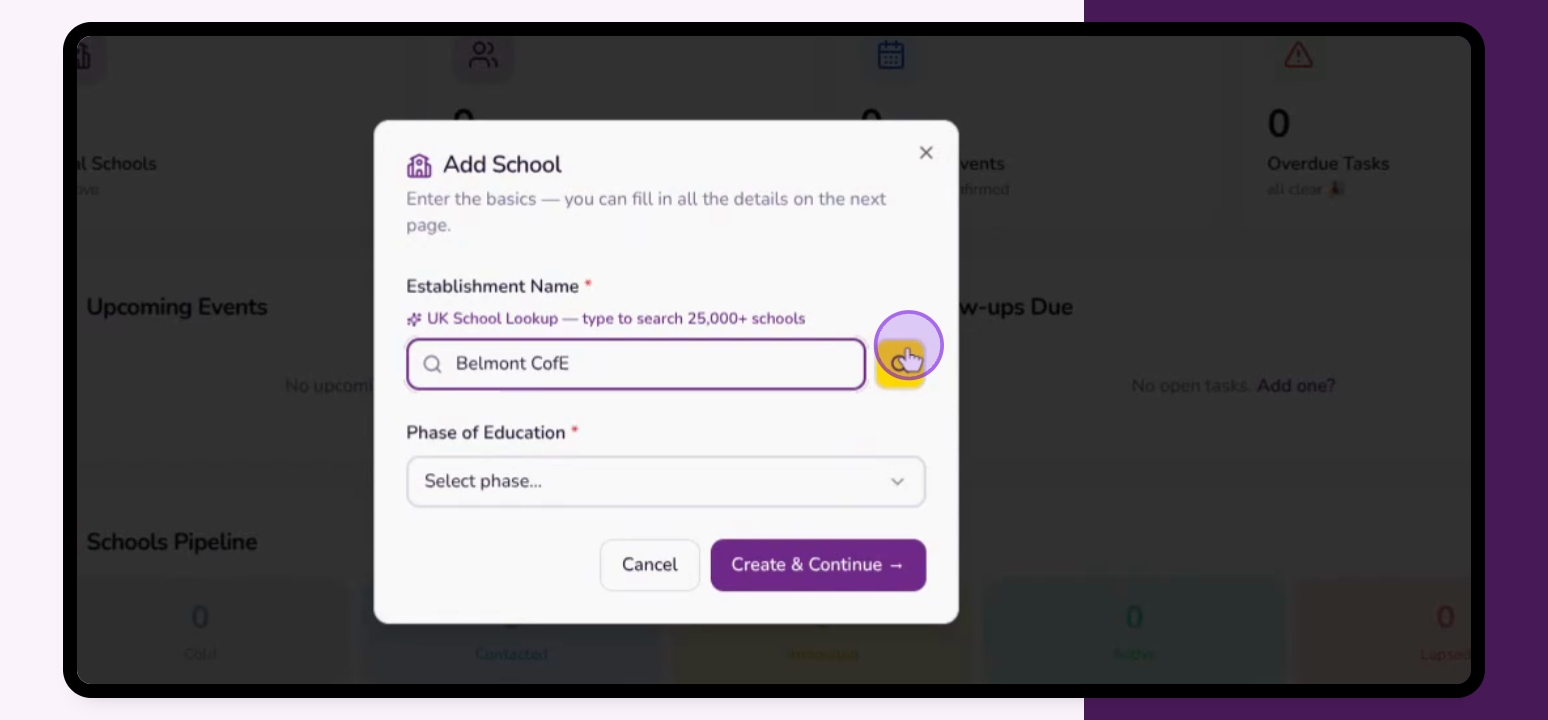
Type in your school name.
Step 3: Search Existing Schools
If unsure of the full name, click Search to find listed schools.
Step 4: Create School
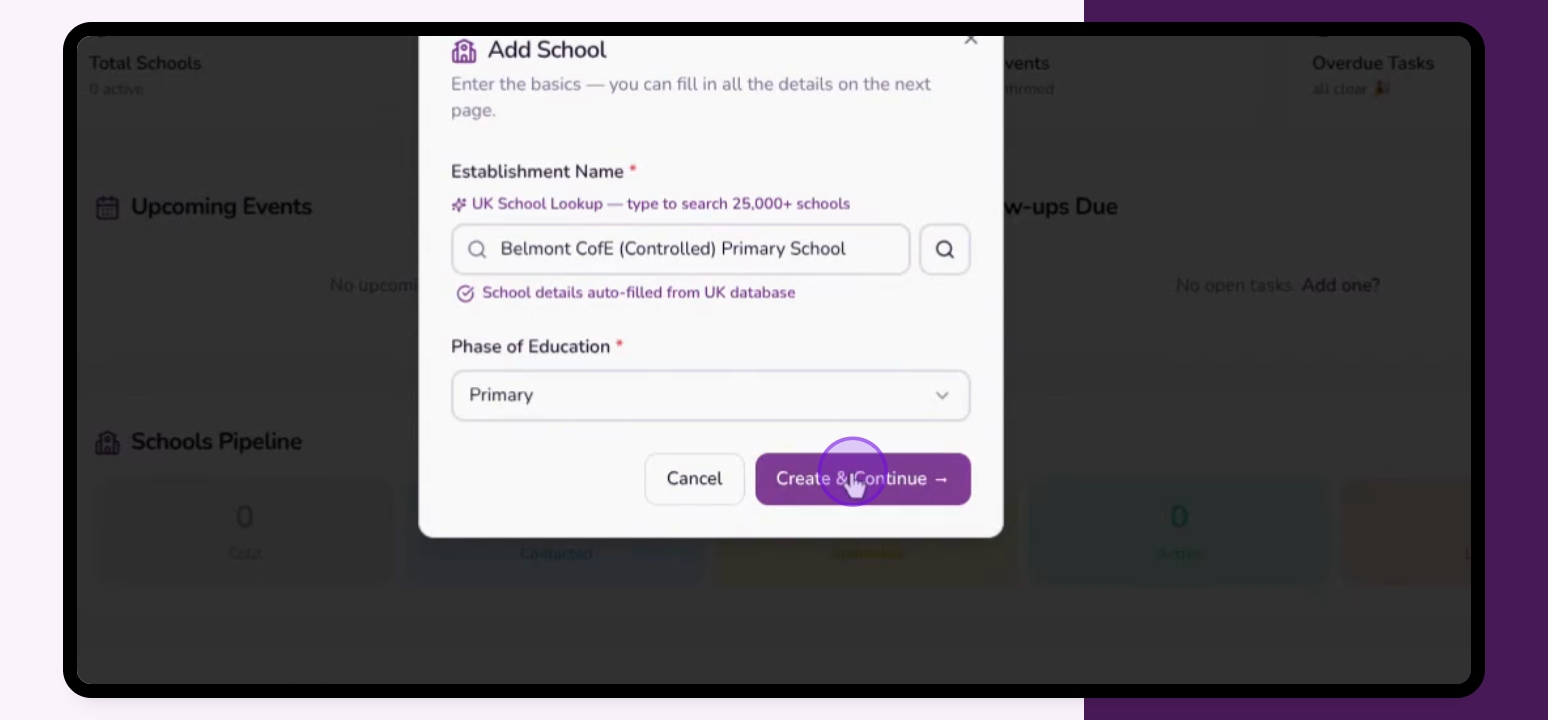
Click Create and Continue to proceed.
Step 5: Add More Details (If the school is not found)
Continue adding the full name and phase of education if necessary.
Step 6: Confirm Creation
If the school exists or you have added the school, click Create and Continue.
You will then be on the main school information page.
